
The ENT of the University of Lyon (UDL) is a digital portal that centralizes university services on a single interface: messaging, timetable, access to educational resources, and administrative procedures. For students enrolled in one of the institutions on the Lyon site, this portal serves as their daily entry point to their entire academic life.
iCal Export and Calendar Synchronization: The Overlooked Feature of the UDL ENT
Most students check their timetable directly on the portal and then close the tab. This habit creates a recurring problem: changes in room or schedule go unnoticed until the last moment.
Recent university ENTs, including those within the UDL scope, offer a calendar export in iCal format. This standardized format allows the academic timetable to be integrated into Google Calendar, Apple Calendar, or any compatible application. The schedule then updates automatically, without the need for manual reconnection to the portal.
The concrete benefit is twofold. Changes in slots appear directly on the phone’s calendar, with a push notification if the mobile app is set up for that. And the student who works alongside their studies can overlay their work schedule and classes on a single screen, which helps to immediately spot overlaps. Knowing how to organize daily life with the UDL ENT starts with this synchronization, which transforms a static display into an active planning tool.
To activate the export, you generally need to retrieve the iCal feed URL from the “calendar” or “timetable” section of the ENT, then paste it into the calendar addition settings of the chosen application. The operation takes a few minutes and does not require any particular technical skills.
UDL University Messaging: Filters and Aliases to Not Miss Anything
The messaging integrated into the UDL ENT is not just a simple webmail. It is the official channel through which exam invitations, enrollment confirmations, messages from teachers, and administrative alerts are transmitted. Ignoring this inbox means missing information that directly affects the validation of the semester.
Forwarding to a Personal Address
The majority of students prefer to check Gmail or Outlook rather than the university webmail. The automatic forwarding of messages to a personal address solves this problem. In the ENT messaging settings, an option allows all incoming messages to be forwarded to the address of their choice while keeping a copy on the university server.
This forwarding does not exempt one from occasionally checking the ENT inbox. Some large messages or those containing specific attachments may not be transmitted correctly depending on the anti-spam filters of the personal provider.
Organizing the Inbox with Folders and Filters
Creating three or four folders is enough to structure the flow of messages:
- A folder “Exams and Administration” for invitations, grade reports, and exchanges with the institution’s administration service.
- A folder for each main teaching unit, where to store assignment instructions, course materials sent by email, and exchanges with teachers.
- A folder “Administrative” for messages related to scholarships, student cards, enrollment certificates, or insurance.
A weekly sorting of five minutes prevents the accumulation of unread messages that end up drowning out priority information. Automatic filters, available on most university webmails, allow messages to be directed according to the sender or subject directly into the correct folder.
Mobile Access to the UDL ENT: Security and Ergonomics in Daily Life
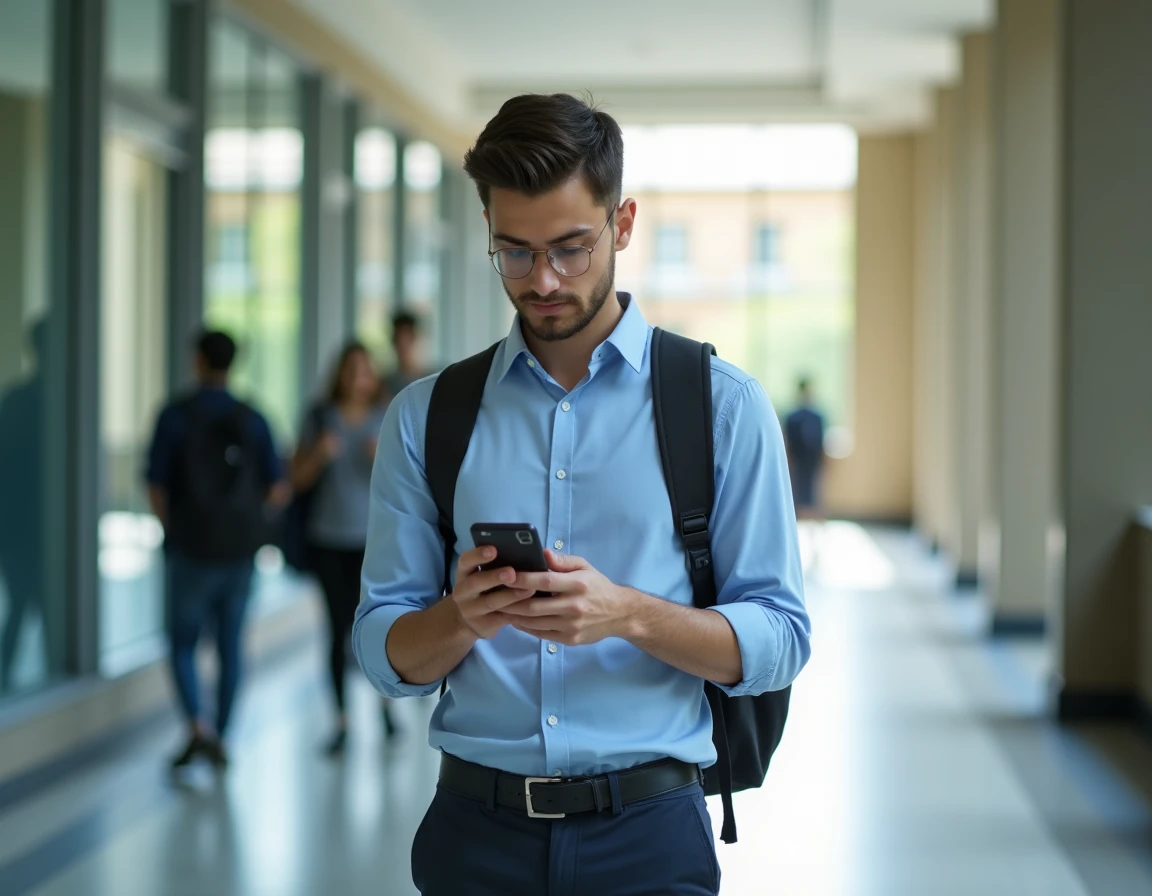
The trend among universities to offer “all-in-one” access (timetable, messaging, grades) on a single interface results in an increasingly long mobile connection time for students. The phone becomes the primary tool for consultation, which raises questions that are rarely addressed.
Losing or having the phone stolen directly exposes access to the ENT account if the session remains open. Activating the device’s biometric lock and not checking the “stay connected” option on a shared phone are basic precautions that are often overlooked.
Changing the SIM card poses a similar problem when two-factor authentication is enabled. Noting the backup number or recovery address provided during activation prevents being locked out of one’s digital space during exam periods.

Educational Resources and ENT Services: Going Beyond the Minimum
The UDL ENT provides access to resources that many students only discover at the end of their studies. Digital libraries, databases of scientific articles, and submission spaces for assignments are accessible from the portal, without additional registration.
The online storage space associated with the student account allows for keeping documents accessible from any device. Uploading courses, revision notes, and ongoing work to this space rather than a USB stick reduces the risk of data loss.
Some institutions within the UDL scope also integrate collaborative tools (course forums, group workspaces) directly into the ENT. These features advantageously replace informal messaging groups for collective projects, as exchanges remain archived and accessible to all group members throughout the semester.
The UDL ENT portal concentrates in one access point what previously required several separate steps. The difference between passive use (checking grades once a month) and structured use (calendar synchronization, messaging filters, centralized storage) is especially noticeable during busy periods when exams, submissions, and administrative procedures overlap over a few weeks.